Thursday, 19 December 2013

My AU2013 Run Down

It was an amazing event as usual. Meeting lots of technology/process enthusiasts, learning from experts and having fun with BIM geeks!

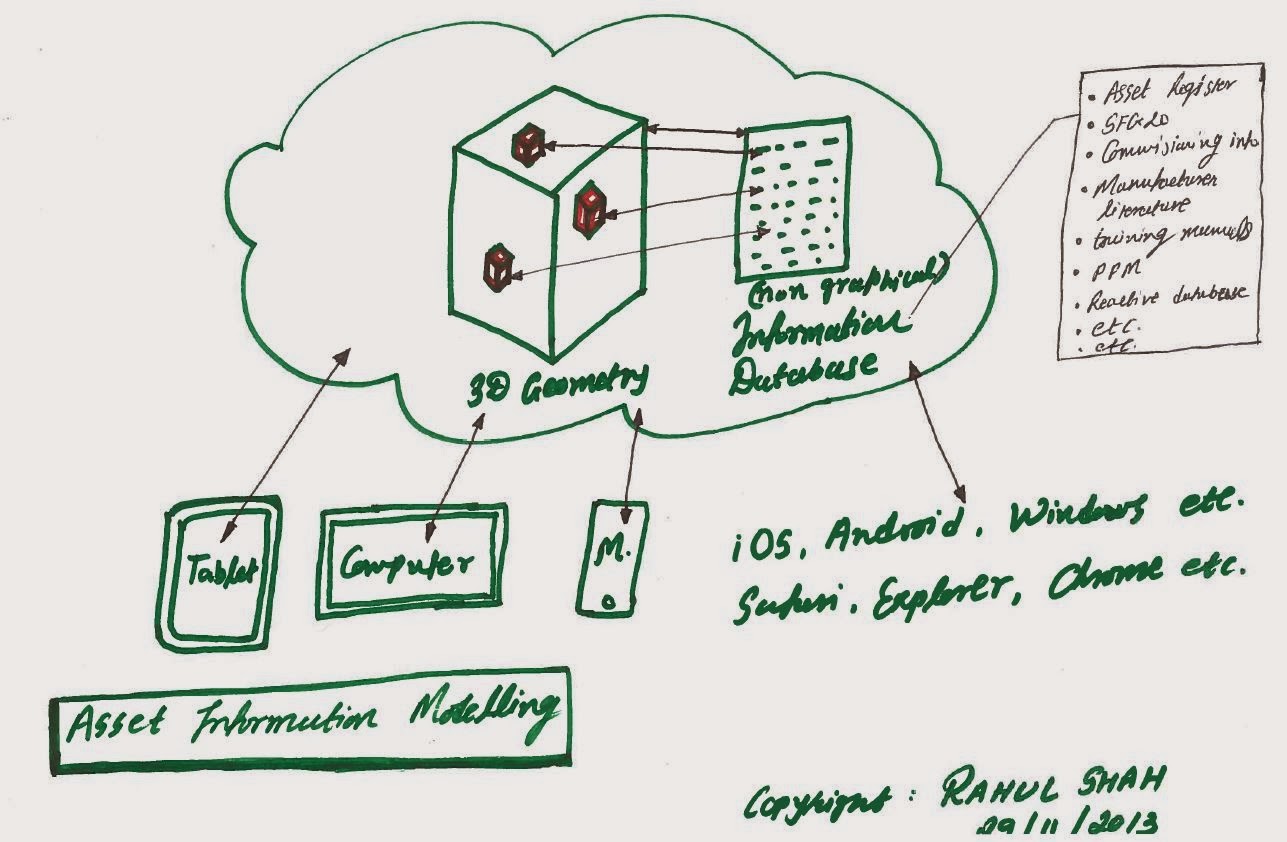
Before I set off for AU2013, I mentioned that I would like to focus more on Asset Information Modelling (AIM) so I focused more on AIM classes and peers this year.


As I mentioned in my blog post last month, AIM is happening now and it was good to see some of the classes reinforcing this.

See below some of my highlights of AU2013, in order.

Sunday

Monday - Computational BIM Workshop in the morning

Monday- Revit certification exam

Hurray!!! I am now Revit 2014 certified professional


The following is an image from James's LOD class. I was bit disappointed to hear that there was no link between LOD and project phases. Why not? If the BIM is genuinely used as a primary tool to author design then why can't clients have SD BIM model, DD BIM model, CD BIM model, record/as-built BIM model? How can clients/AEC industry decide what SD/DD/CD BIM model  mean without having a direct link between LOD and project phases?

For this very reason, I quite like UK's take on this subject. Level of Model Definition (LOMD) are directly linked to project phases and LOMD defines LOD (Level of geometric Detail) and LOI (Level of non graphical Information).


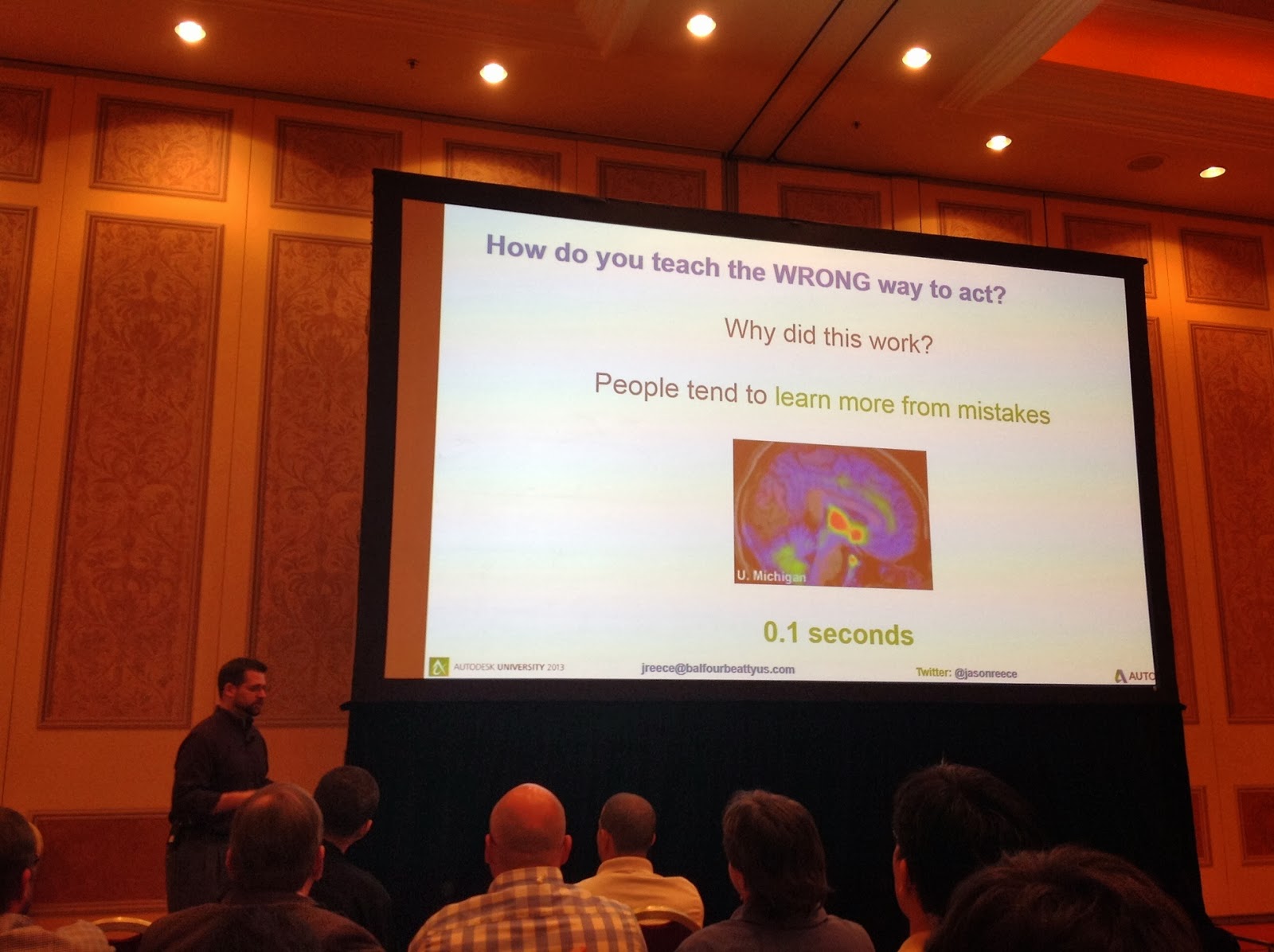
Following image is from a class which was brilliantly executed and very well thought out. The message was simple "one picture is better than 1000s of words" but the execution of the message was brilliant. For me, this class/speaker wins best class/speaker award.


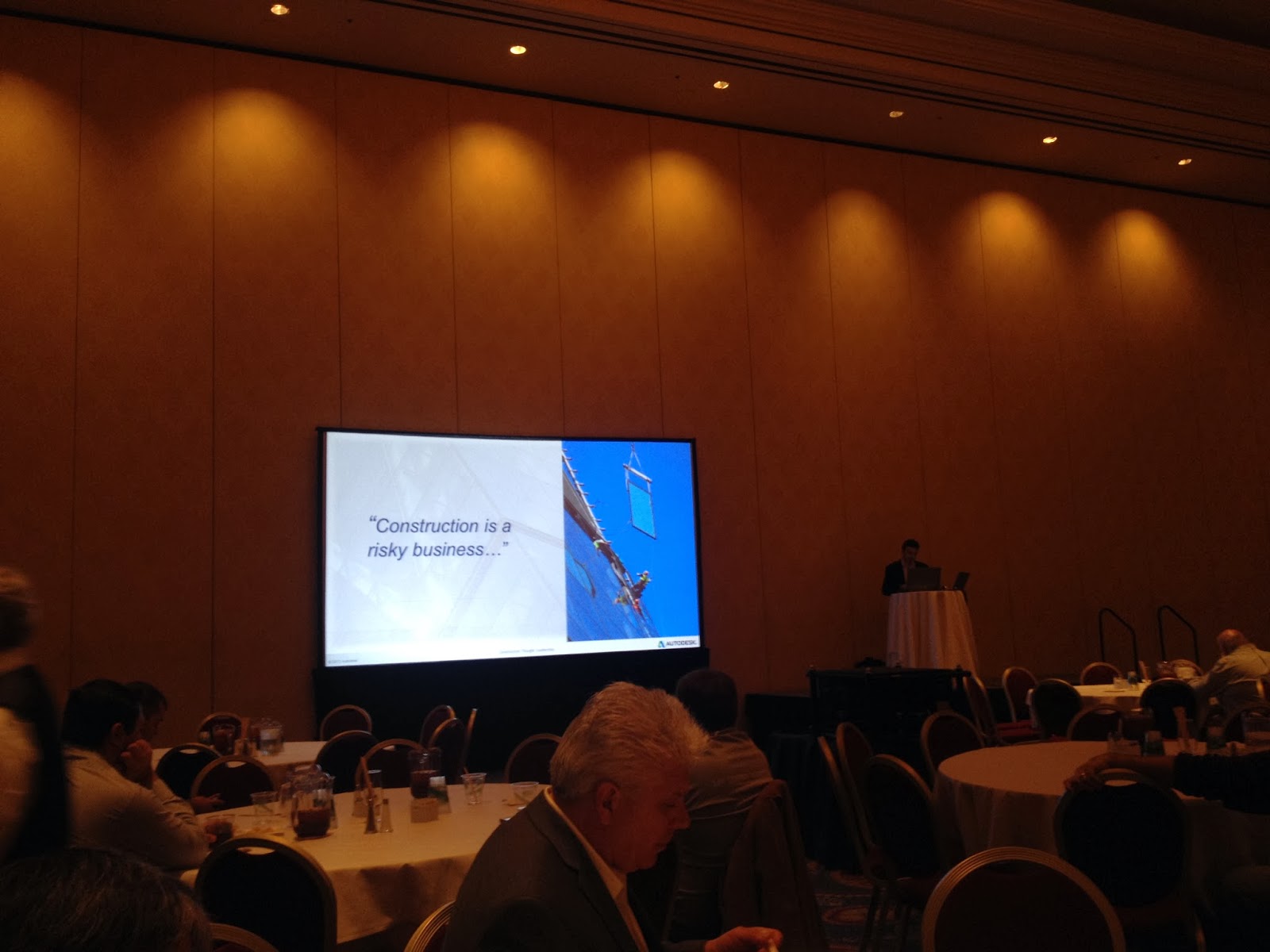
The conference was ended with this message. I couldn't agree more with this message. That's the reason why I was at AU to find out how can we de-risk our business using the latest digital technologies! ;-)


Wednesday, 18 December 2013

@StephenHamilNBS Level 2 BIM Master

Hurray!!!!

I have just passed the UK BIMTaskGroup's BIM quiz with 100%.
I am now a proud Level-2 BIM Master certified by the UK BIMTaskGroup.

Am I one the first 10 Level-2 BIM masters? I don't know but looks like it...-;)


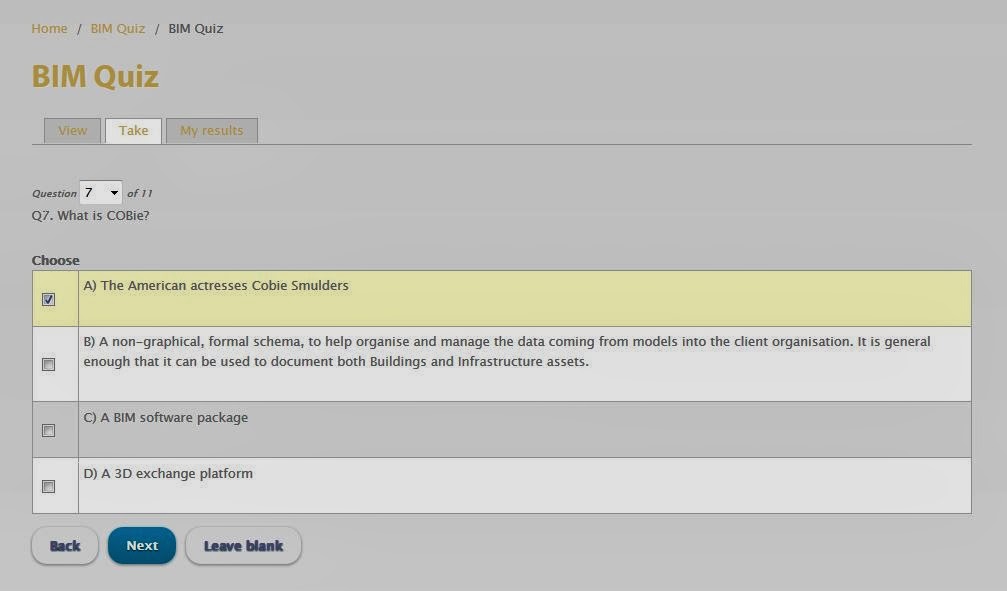
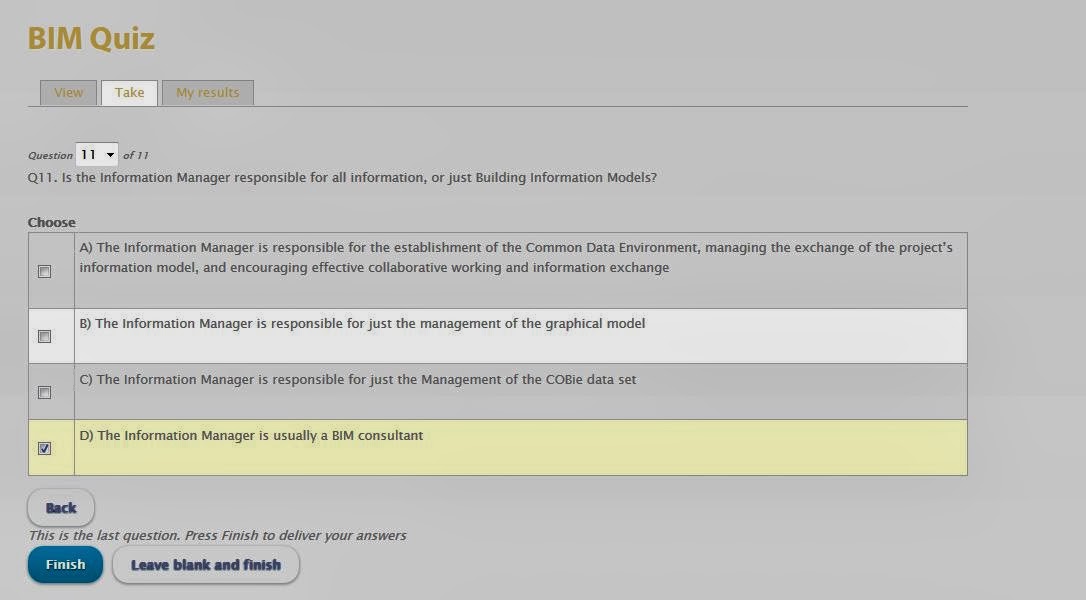
There were couple of questions where I was not sure whether or not I should follow (current) general  perception of clients (images below?? you decide) or follow my own understanding (images below?? you decide). But at the end, as usual, I followed my own understanding and I passed with 100%!!!!


Friday, 29 November 2013

BIM: Is this a reality or still a vision?


What do you think?
Is this happening (not saying mainstream) now or still a vision?

My opinion is this is happening NOW! and looking forward to see something along this line at AU2013 next week.


Proactive BIM vs Reactive BIM

Before I leave for AU tomorrow, I thought I share some of my thoughts on these two fundamentally different BIM approaches.

After I tweeted about this few weeks ago I got couple of DMs asking to explain the difference between the two, and one was from a Client. Which was very encouraging.

So here we go!

ASSUMPTION MADE: The readers know the meaning of three words: Proactive, Reactive and BIM.

PROACTIVE BIM

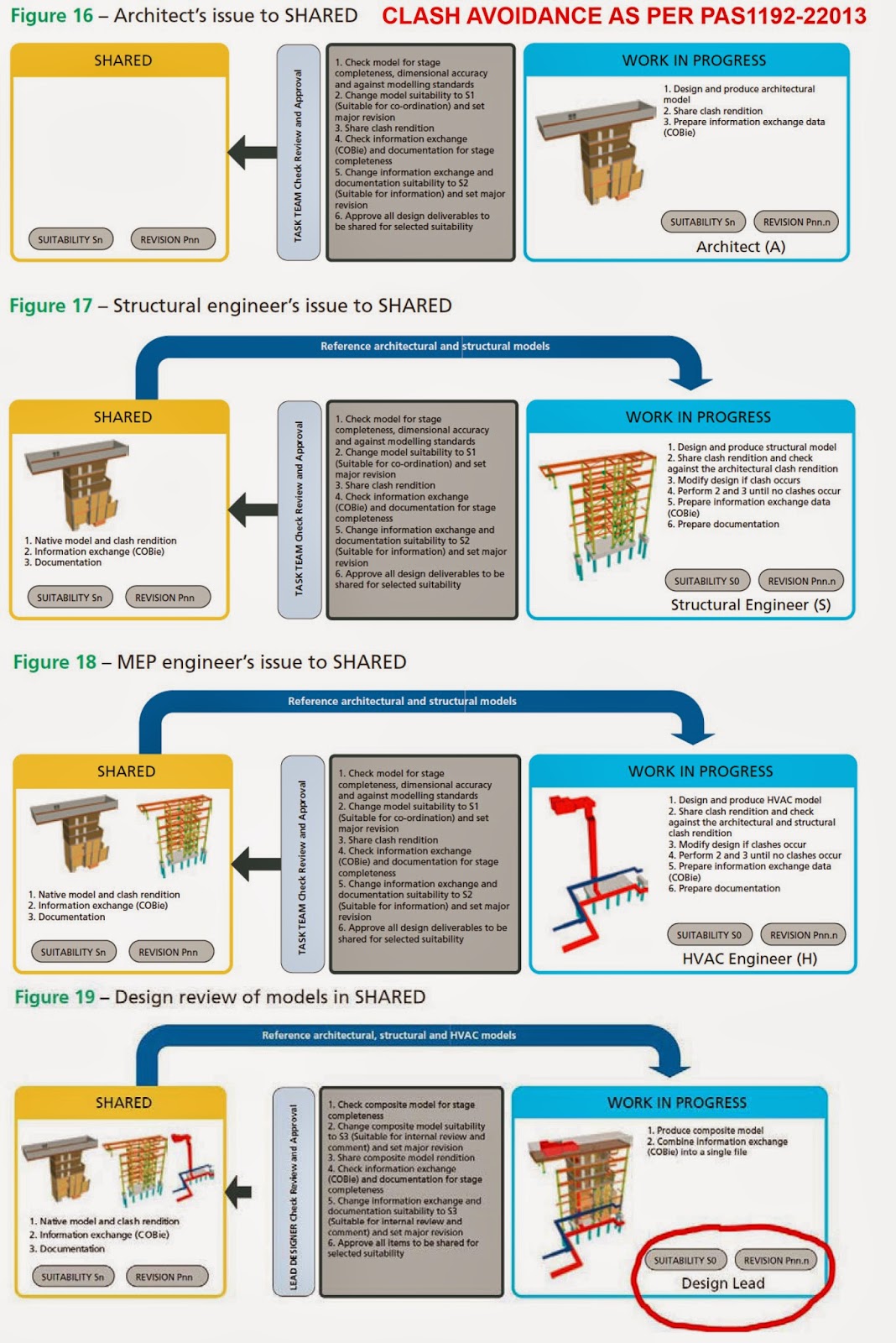
When the project team is using BIM proactively (Proactive BIM), the design coordination happens automatically and clashes are identified and resolved as you design. If the clash cannot be resolved because it involves other discipline(s) then you raise that in your next possible design review workshop. PAS1192-2:2013 explains this process quite clearly.

Image Courtesy: PAS1192-2:2013

The closest analogy of this process is comparing this with Health & Safety on sites. The contractors community focuses on avoiding accidents on site in the first place rather then spending their energy in counting accidents and then report them and fix them. Can they be fixed? NO, because here we have lives involved and once accident happened it happened and we cannot fix it.

Likewise, Proactive BIM lets you focuses on avoiding design clashes to happen in the first place. The focus is not on clash counting (clash detection), reporting them and fix them.

WHAT ARE THE SIGNS OF PROACTIVE BIM

If all key members of the project team have each others' models linked in their authoring BIM software constantly while developing their BIM model then you know they are being proactive in avoiding clashes.

REACTIVE BIM

Reactive BIM is just that, reactive. If you are relying on "clash detection" to tell you how many clashes your design has and then fix them then you are doing "Reactive BIM", which defeats the whole purpose of using BIM for improved design coordination. I don't want to write more on this as 'Reactive BIM' is a dead end for me so no point wasting my time/energy on it.

WHAT ARE THE SIGNS OF REACTIVE BIM

There are many. But one of the signs is, when you see the team is relying on a third party BIM consultant to tell them how many clashes they have and then fix them then it is Reactive BIM.


Clients want to see Proactive BIM so that they receive well coordinated design at every step of the project, inherently. Smart clients are using clash detection to QA check the level of design coordination.

So to summarize this, Proactive BIM is the way forward and clash detection is the way to QA check level of design coordination.


Getting Ready for AU 2013

Just downloading class handouts now in another window. Looking forward to some classes and meet some BIM experts. Every year AU has something special to offer. Looking forward to see that special offerings for this year!

Stay tuned. I will be publishing my summary report sometime in December 2013.


Thursday, 3 October 2013

Tekla IFC Export

As I am getting more and more involved with construction side of BIM, I come across many interoperability issues particularly while working with our subcontractor supply chain.

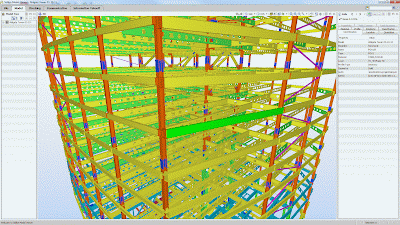
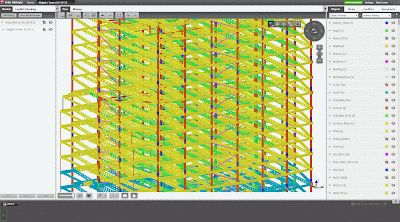
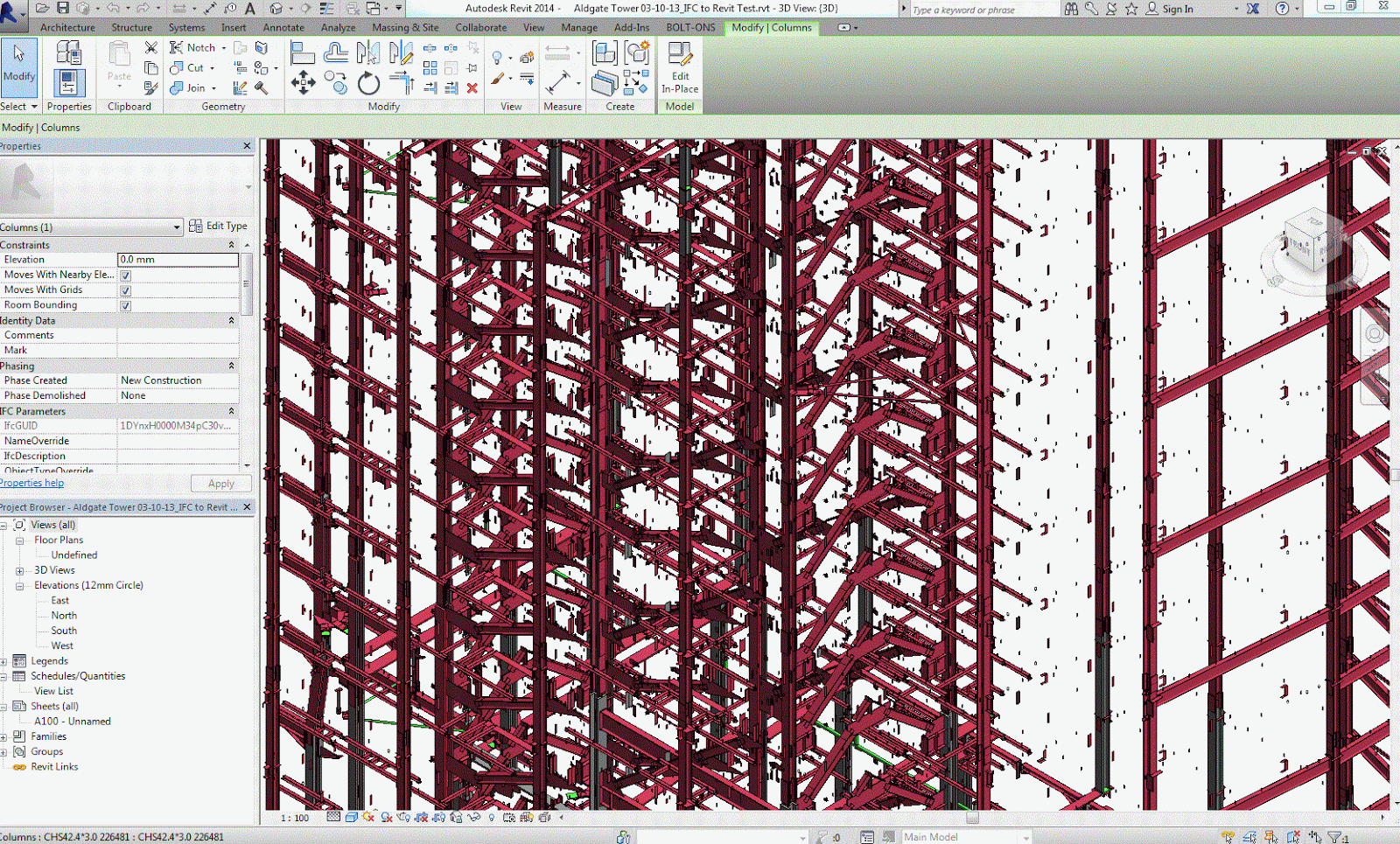
Recently our site team received an IFC file from our steel subcontractor (generated using Tekla) and when we opened that file in TeklaBIMsight and Navisworks Manage we noticed that there were quite a few elements missing. How did we find out? Well, the issuer had also issued 3D DWG export from Tekla as well so when we looked at the both files side by side it was obvious that many elements were missing in IFC. See image below, left side IFC and right side DWG.


This baffeled me a bit because I know Tekla can export clean IFC files. So I contacted the "author" of the model and asked him to try different IFC export settings. They tried few different things and exported IFC again but no luck and gave up thinking it is a software issue.

Luckily our friends at Tekla were quick enough to get on the case and helped the "author" export with right settings. One thing which was quite impressive was that the whole "Tekla support" process took only couple hours between us contacting them and the "author" sending them the file and tekla checking the file and advising with detailed explanation and screenshot. I include their support response in their own words here. Well done team Tekla and thanks David E.

"Thanks for the model.

I’ve done a quick check on the model.

Each member in a Tekla model has an IFC export setting in the User defined attributes tab.(see image below)

The ‘IFC Entity’ is currently set to ‘none’ for the majority of Plate girders and beams in your model.

This needs to be set to ‘Auto’.

This will then export correctly to the IFC and be visible in TEKLA BIMsight / Solibri model viewer etc"


The "author" then tried this setting and it worked!!! They sent us their new IFC export and it was spot on. It was such a simple setting which was causing this issue. I wonder why Tekla has export settings to "None" by default instead of "Auto".

The images below shows my experiment of opening the same IFC file in Tekla BIMsight, Solibri Model Viewer, Navisworks Manage (and Revit just out of curiosity). What do you think which one is better??

Navisworks Manage
Solibri Model Viewer
Tekla BIMsight
Revit 2014


Friday, 2 August 2013

QC Check BIM Models - Part 3

In the previous blog post of this series Part-2 I discussed software specific QC checks. Now let's look at design specific QC check.

Disclaimer:

  • "Design QC check" BIM models is referred as a process of checking your "Design BIM" models for compliance with BIM Execution Plan and official design documentation
  • "Design QC check" BIM models should not be confused with checking your BIM models for technical design issues or coordination issues or building regs check etc.
 After spending some time discussing this matter with some designers and senior team leaders, I have come up with the following list that should be part of your BIM QA/QC process every time you issue your models for coordination.

Who performs this task?  Ideally, this task should be performed by the same person who is checking and approving drawings or equivalent (with the help of a BIM Modeller if required).

DESIGN SPECIFIC QC CHECKS

The following is a list of minimum items (in no particular order) that should be checked when issuing your BIM Model(s) for coordination.

  • Model contains agreed elements as per the model elements matrix set out in BIM Execution Plan 
  • Model elements contain right INFORMATION (i.e. Mark, Type Mark, Fire Rating, Description etc.) for that particular stage of the project [suggest you setup QC Check schedule for this]
  • Model elements reflect agreed LOD (3D geometry) for that particular stage of the project
  • Build-up of system families such as wall, floor, roof, ceiling etc
  • Materials used within system families (i.e. wall, floor, ceiling, roof etc) as well as other key elements such as doors, windows etc. [suggest you setup QC Check schedule for this]
  • Levels [suggest you setup QC Check Elevation or Section view] 

I am sure there will be some more Design QC Checks that one should perform. So if you have anything to add to this list then feel free to drop your thoughts under comments area.

To conclude my QC checks blog post series, there are many benefits of having BIM QC/QA checks in place for you as an individual, your design team, your business and ultimately the industry. It will increase (BIM) confidence level within the industry, which will help BIM adoption. So get your BIM QC/QA process in place and be prepared to impress your clients with any BIM audits! :-)